ladbible homepage
ladbible homepage
  • iconNews
  • videos
  • entertainment
  • Home
  • News
    • UK
    • US
    • World
    • Ireland
    • Australia
    • Science
    • Crime
    • Weather
  • Entertainment
    • Celebrity
    • TV
    • Film
    • Music
    • Gaming
    • Netflix
    • Disney
  • Sport
  • Technology
  • Travel
  • Lifestyle
  • Money
  • Originals
    • FFS PRODUCTIONS
    • Say Maaate to a Mate
    • Daily Ladness
    • UOKM8?
    • FreeToBe
    • Citizen Reef
  • Advertise
  • Terms
  • Privacy & Cookies
  • License Our Content
  • About Us & Contact
  • Jobs
  • Latest
  • Archive
  • Topics A-Z
  • Authors
Facebook
Instagram
X
Threads
Snapchat
TikTok
YouTube
Submit Your Content Here
  • SPORTbible
  • Tyla
  • GAMINGbible
  • LADbible Group
  • UNILAD
  • FOODbible
  • UNILAD Tech
iPhone user advised to do one thing to mobile to stop battery from draining

Home> News> Technology

Published 12:56 26 May 2024 GMT+1

iPhone user advised to do one thing to mobile to stop battery from draining

Have you tried 'put the thing down for a bit'?

Joe Harker

Joe Harker

google discoverFollow us on Google Discover

Your iPhone running out of juice at an alarming rate is pretty much a common joke among users at this point.

Over time, the battery won't quite have the endurance it once possessed, and years of regular usage will mean that it's asking you whether you want to switch on 'low power mode' at 20 percent more often than before.

To preserve your precious battery life you can try and keep on top of things by not using the phone quite so much.

That one's pretty obvious though, and iPhone users who want to make their phone battery last longer throughout the day might want to go fiddling around in the settings.

Advert

If you've got the iPhone 12 or a later model that can pick up 5G signals, then you can do something about this.
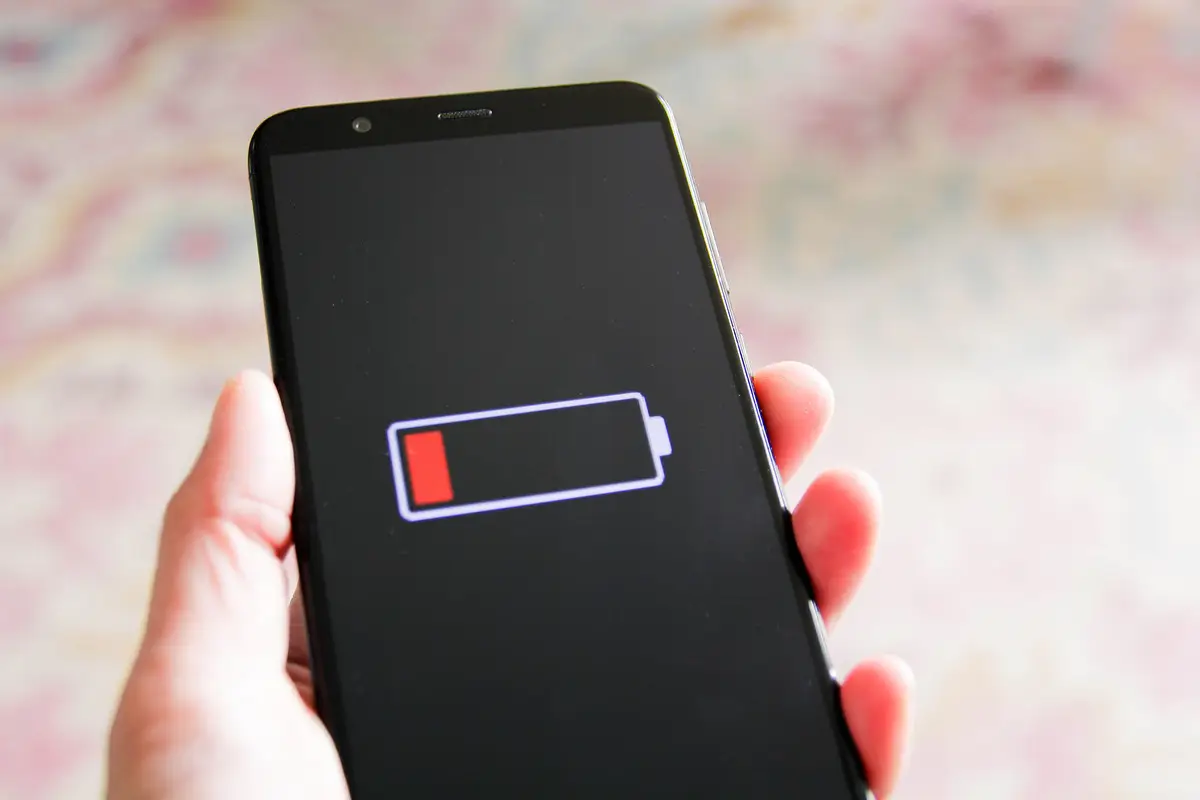
Always seeing this? Get in your settings. (Getty Stock Photo)

Hop into your phone's settings and go to the bit where there are options for your mobile data.

You ought to have an option to decide how your phone uses 5G, and you'll be presented with three options.

There's '5G Auto', '5G On' and something called LTE which stands for 'Long Term Evolution'.

If your phone is set to 5G On, then you'll want to consider switching down to one of the other options - which will save your phone some of its precious battery life.

Do that and you might spare yourself from looking at your phone battery and having a little heart attack as you realise the number has plummeted since you last looked.

Your phone is running a lot of things in the background, make sure you know what they are. (Getty Stock Photo)

There are lots of other things you can do with your phone to try and save the battery life, and a common piece of advice is to switch off the phone's Bluetooth unless or until you actually need to use it.

There's also switching off the background app refresh settings on your phone, because even if it's sitting in your pocket all those apps you like to tap away on are still burbling on in the background.

Switching off location services, Siri and lowering the iPhone's brightness are all things you can do as far as battery life is concerned too.

Most of you will likely plug your phone in every night to charge, which is a pretty fair assumption to make.

If that's the case then you might want to make sure your phone is using Optimized Battery Charging as that can made the device last longer.

In the end you're trying to hold back the tide, but you can buy yourself a little more time.

Featured Image Credit: Getty Stock Images

Topics: Technology, iPhone

Joe Harker
Joe Harker

Joe graduated from the University of Salford with a degree in Journalism and worked for Reach before joining the LADbible Group. When not writing he enjoys the nerdier things in life like painting wargaming miniatures and chatting with other nerds on the internet. He's also spent a few years coaching fencing. Contact him via [email protected]

X

@MrJoeHarker

Recommended reads

Heartbreaking final words healthy mum said during ‘goodbye’ call before assisted deathFacebookMum of influencer ‘dragged under car by X factor finalist’ issues worrying health update(GoFundMe)Multimillionaire forced to pay ex-wife £100 million after second life revealLinkedInMan almost died following weight loss jab mistake thinking it was trapped windKennedy News and Media

Advert

Choose your content:

28 mins ago
an hour ago
4 hours ago
  • Facebook
    28 mins ago

    Heartbreaking final words healthy mum said during ‘goodbye’ call before assisted death

    Wendy Duffy was of sound mind and made her decision

    News
  • (GoFundMe)
    an hour ago

    Mum of influencer ‘dragged under car by X factor finalist’ issues worrying health update

    The mother of Klaudia Zakrzewska, known online as Klaudiaglam, has shared a heartbreaking update on her condition

    News
  • Kennedy News and Media
    an hour ago

    Man almost died following weight loss jab mistake thinking it was trapped wind

    He has urged people to stick to getting them prescribed by a doctor instead of just buying them

    News
  • CPS
    4 hours ago

    CCTV captures moment sister-in-law throws paint over Kent bride

    Gemma Monk's £1,800 wedding dress was ruined by her sister-in-law, Antonia Eastwood

    News
  • iPhone 'vampire setting' is secretly draining your battery but can be turned off easily
  • People outraged over major thing missing from Apple's iPhone 17 announcement
  • Tech expert shares three iPhone settings secretly draining your battery and how to change them
  • Warning for all iPhone users as tech experts urge everyone to update their devices